AI-Powered CAD Automation That Works Like You
Generate, schedule, and execute automation tasks through natural conversation. Tools that fit seamlessly into the way you already work.
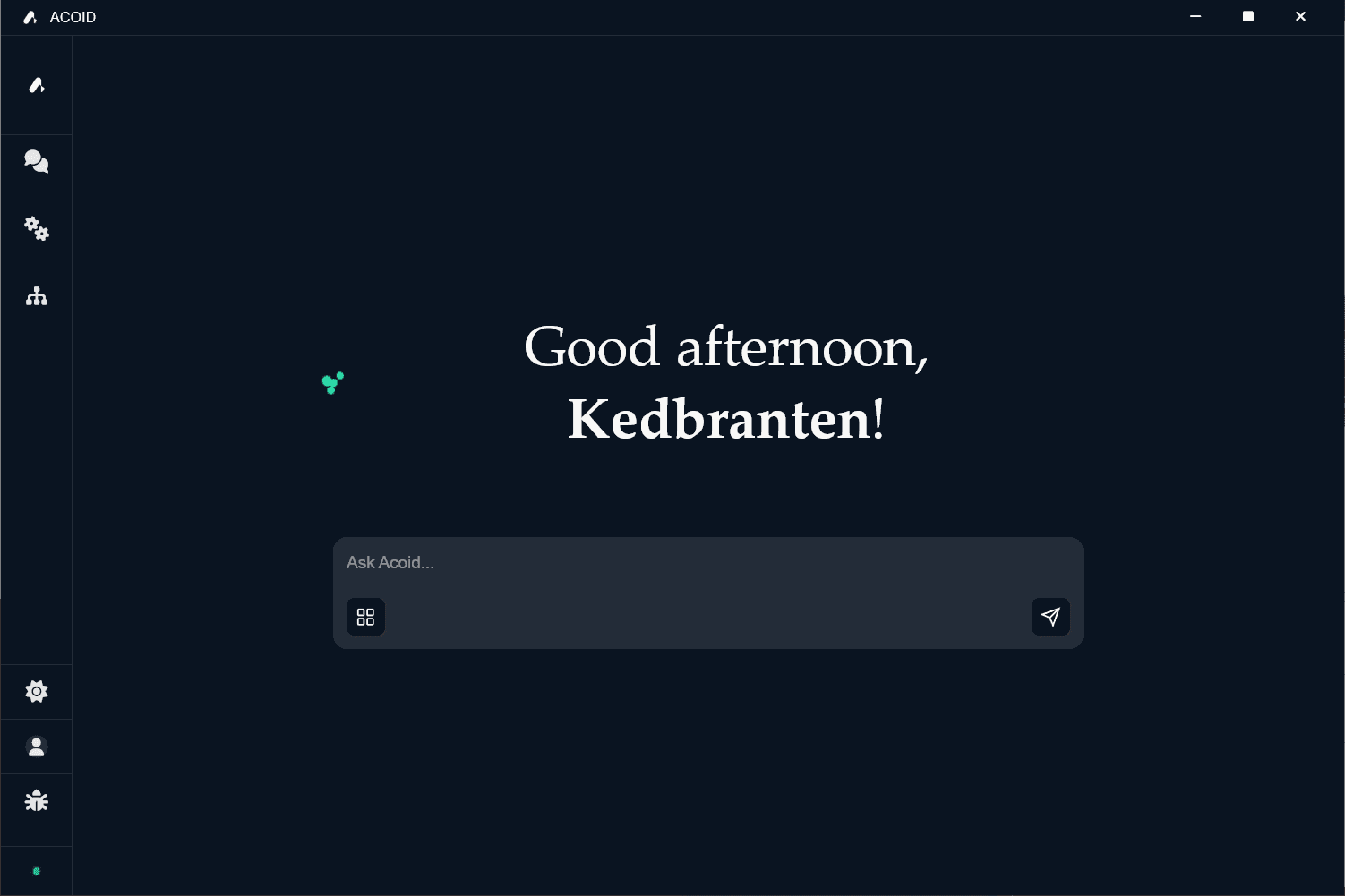
Natural Language Interface
Describe your CAD automation needs in plain English. Acoid's AI understands your intent and generates the appropriate automation scripts.
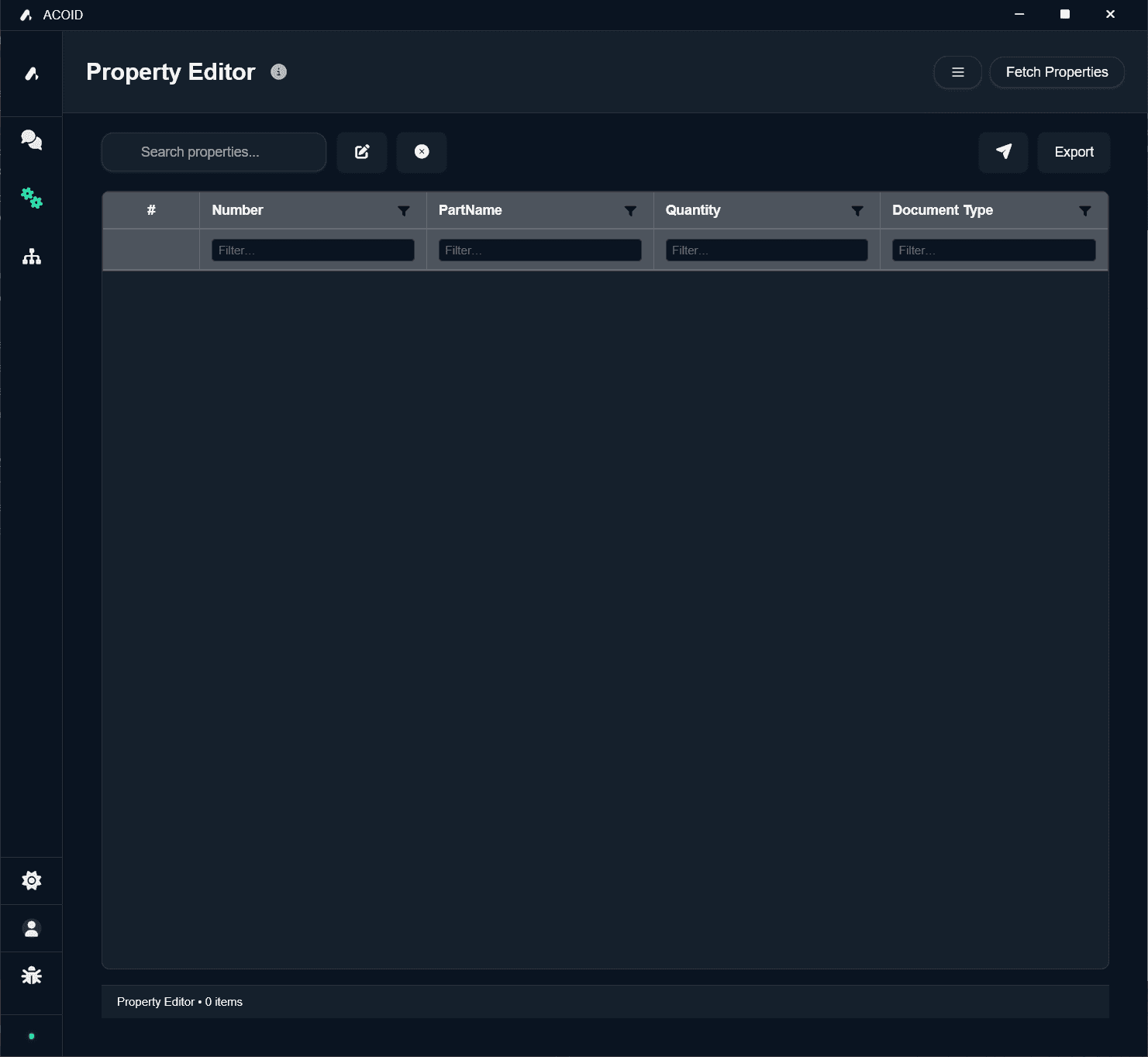
Bulk Property Updates
Update properties in bulk with a familiar interface. Work with your CAD data using an Excel-like interface that makes bulk operations intuitive.
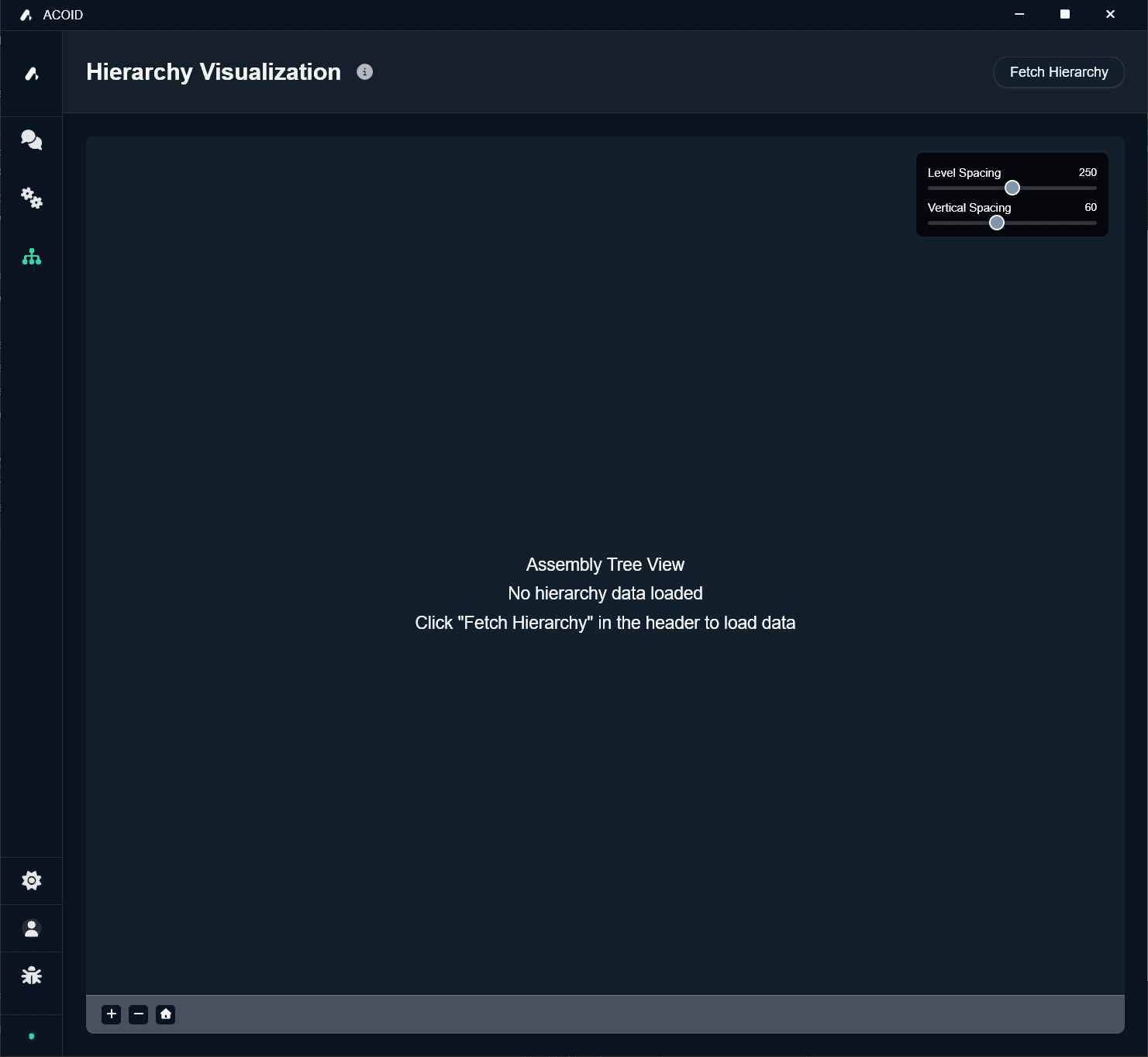
Assembly Visualization
Easily visualize and navigate your assemblies. Get a clear view of your CAD structure with an intuitive hierarchy.
What Acoid can do
Natural language commands for CAD automation
Excel-like interface for mass property updates
Auto-generate Bills of Materials from assemblies
Batch export to STEP, PDF, DWG formats
Interactive hierarchy view of complex assemblies
Set and update custom properties across parts
Bi-directional data sync with Odoo ERP
Integration with Monitor ERP system
Auto-create drawings from 3D models
Push CAD data to PLM systems automatically
Frequently asked questions
Ready to get started?
Join our pilot programme to get early access and shape the future of CAD automation.